

Snapmaker U1
What is the difference between the standard printer and the Combo?
Standard printer: Check the contents list for the essential accessories included with the specific model.
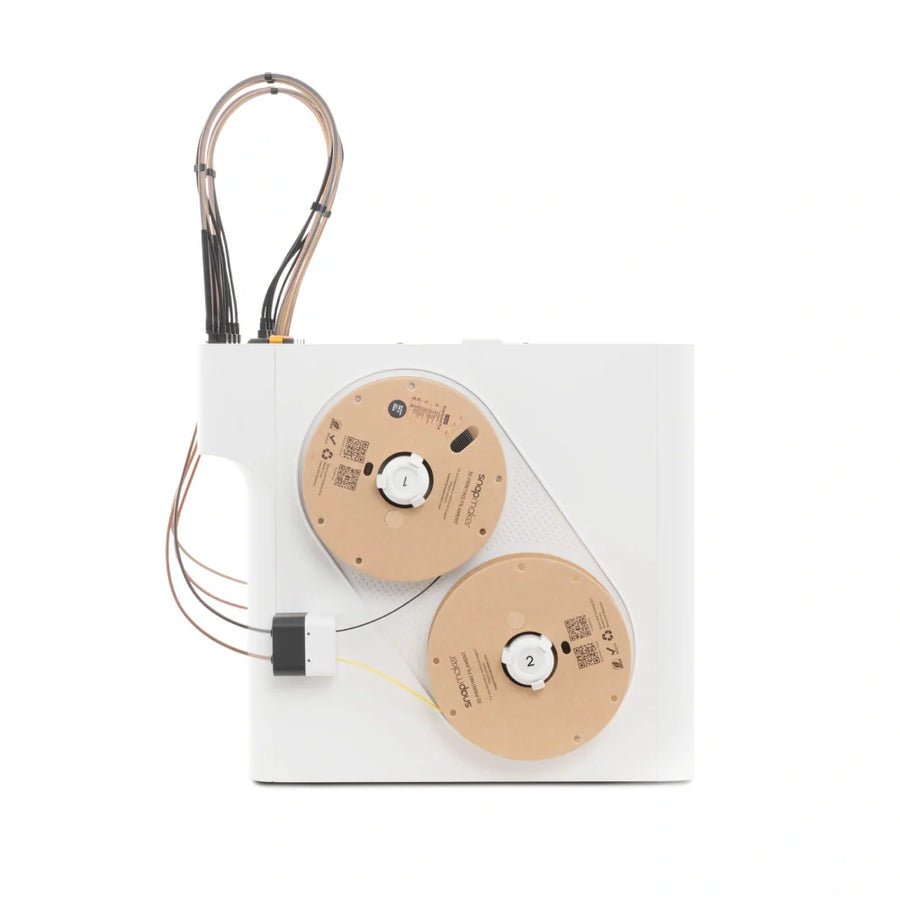
Combo: A bundle with extra accessories that vary by model, such as a filament feeding or color switching system. Check the unit name and package contents in the product description before ordering.
If you need multi-color printing, check that the included color system is compatible with the printer and the materials you plan to use.

Earn 0 points on this purchase.
Accessories for your printer
Pre-order policy: There is no fixed or guaranteed date for the incoming shipment to arrive or for the order to ship. Placing a pre-order reserves the printer for you as soon as it reaches Tajseem's warehouse and gives your order priority for early shipping, in the order purchases were placed.
Warranty: One year, subject to the product policy.
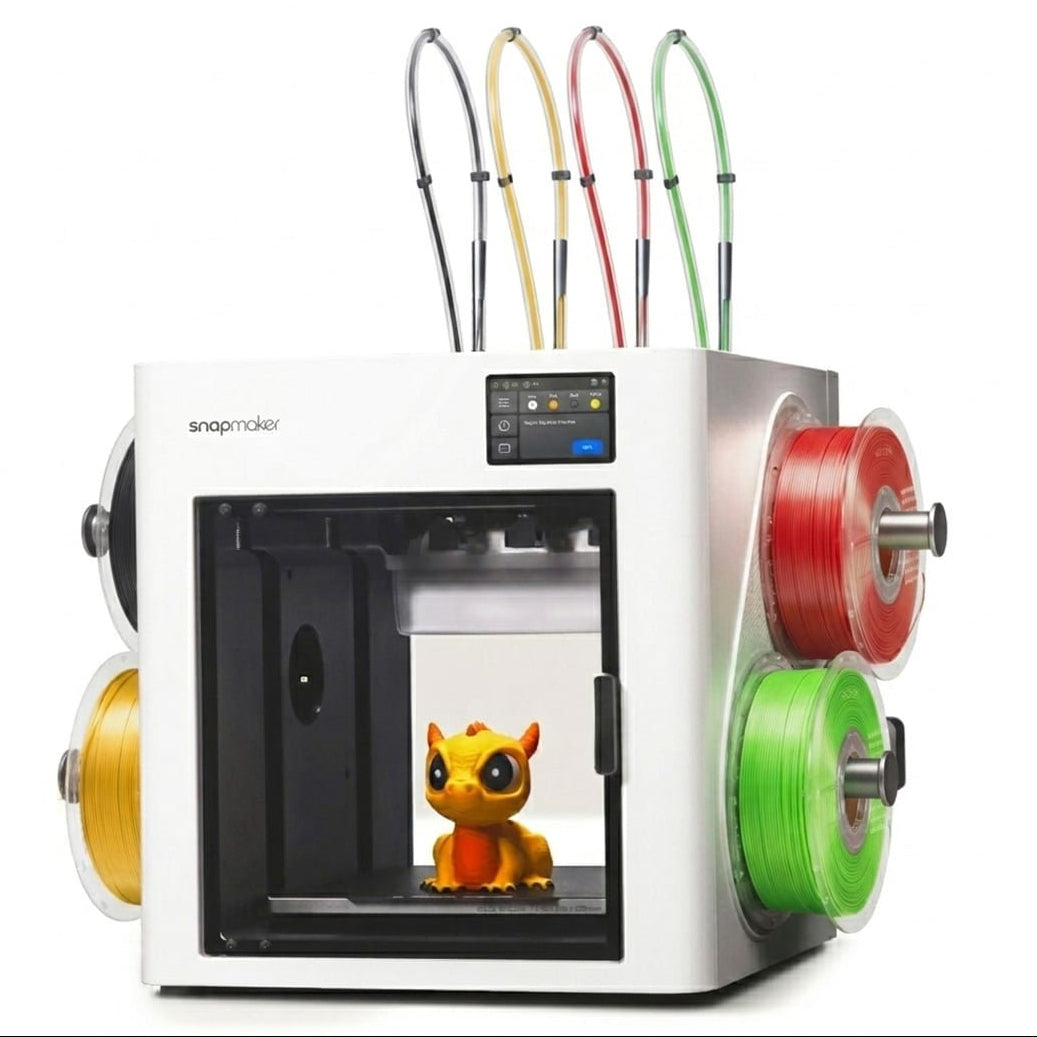
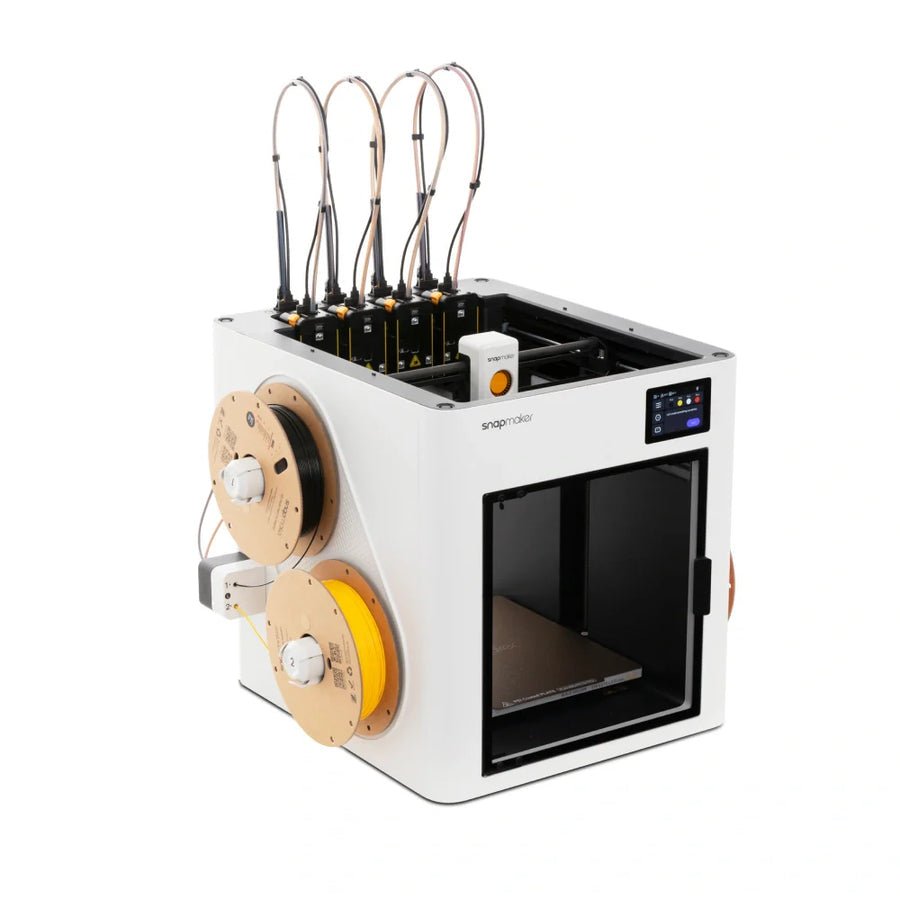
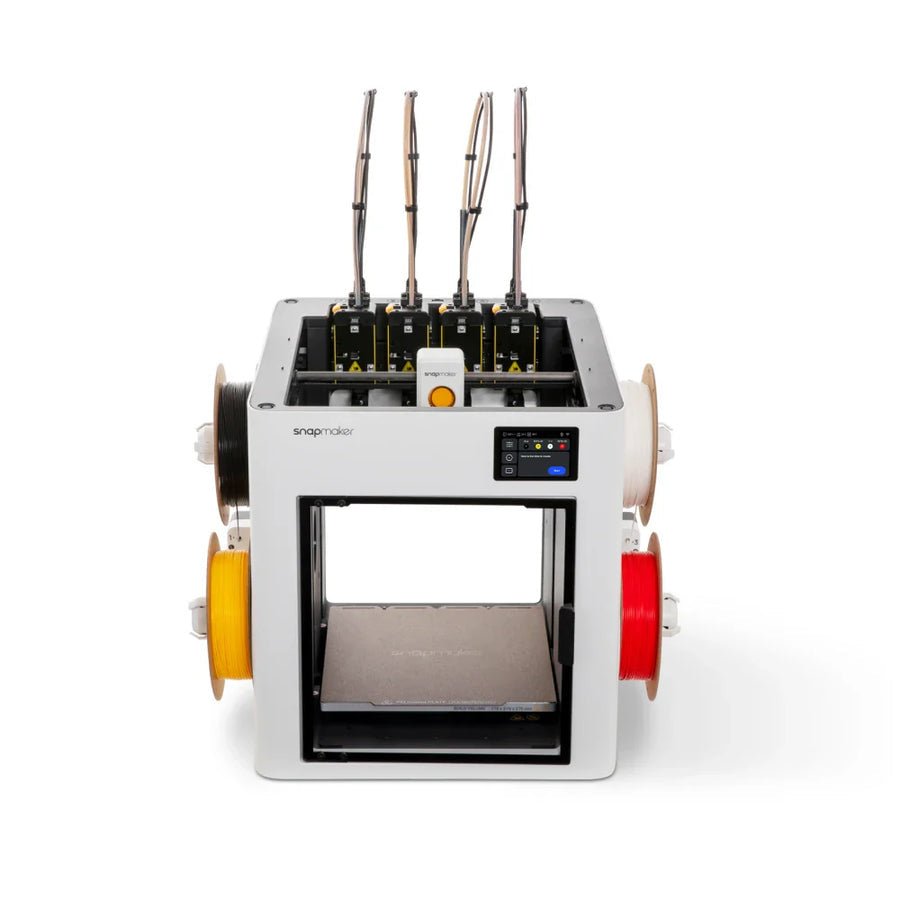
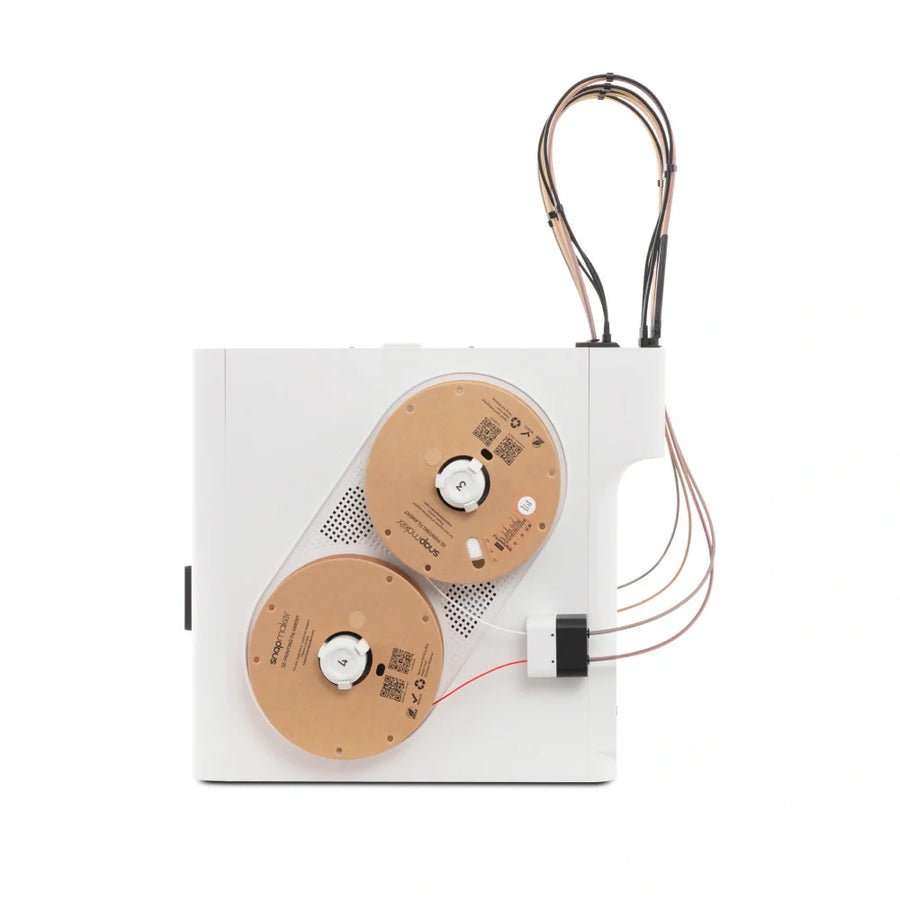
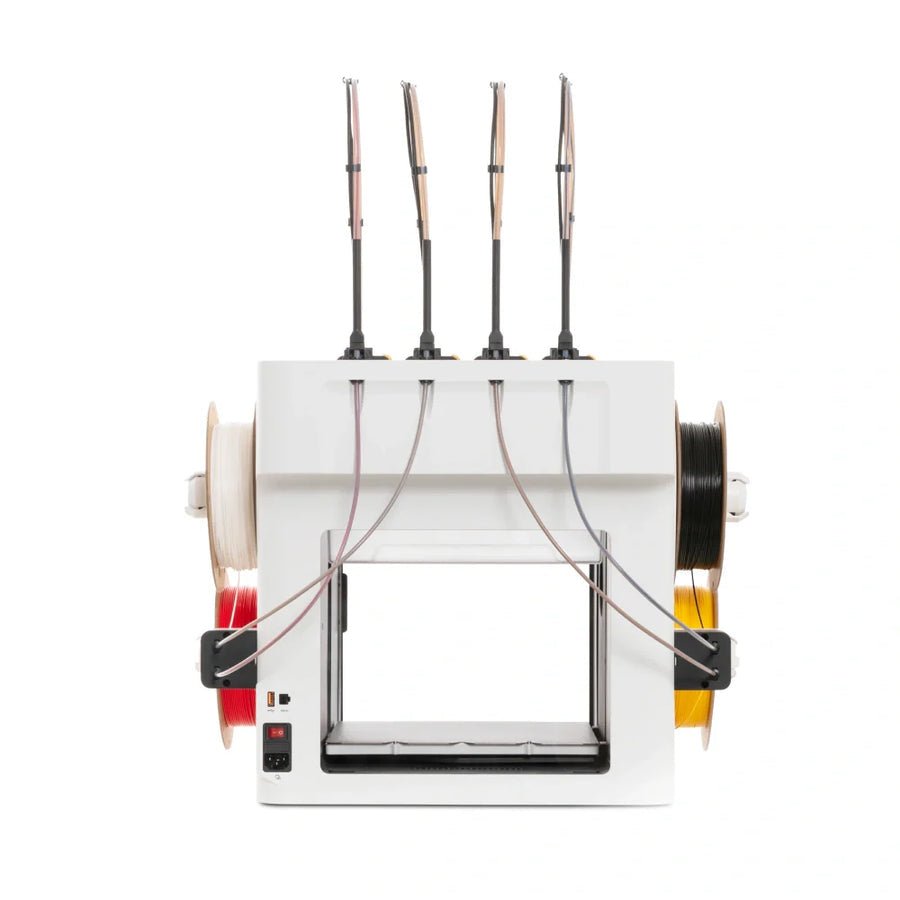
Snapmaker U1 with Four Swappable Toolheads
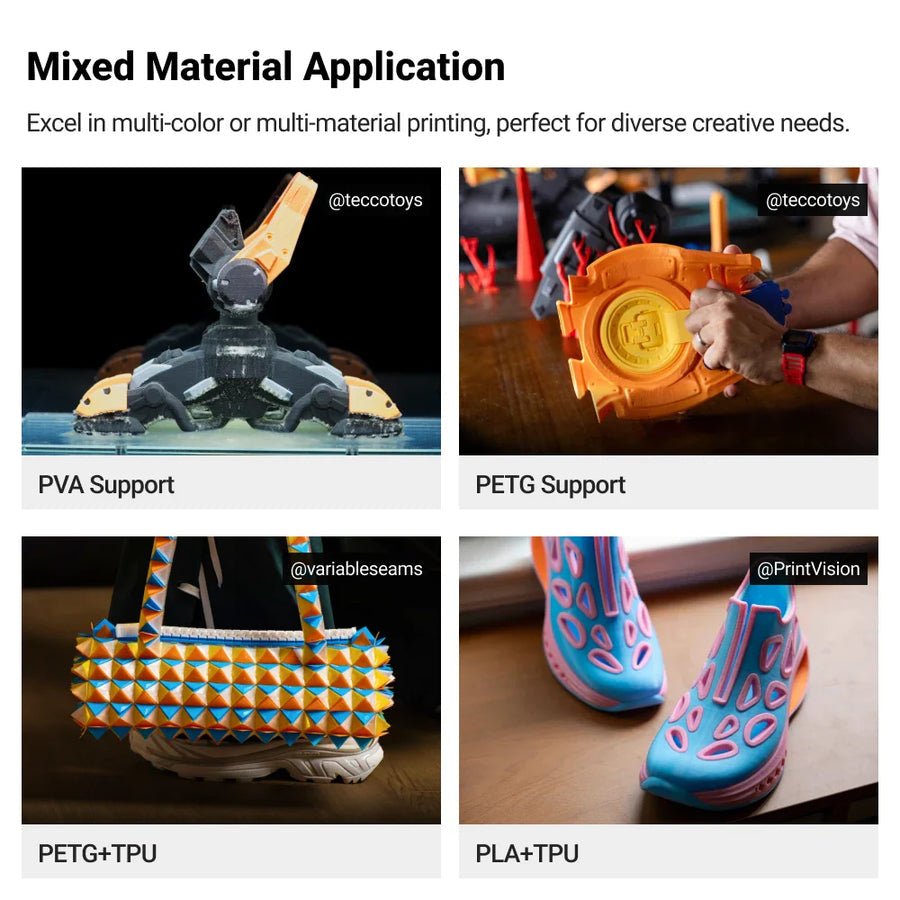
The Snapmaker U1 uses the SnapSwap four-toolhead system with a 270 × 270 × 270 mm build volume. Compare it for printing with up to four colors or materials, checking material compatibility and slicing settings before combining them in one project.
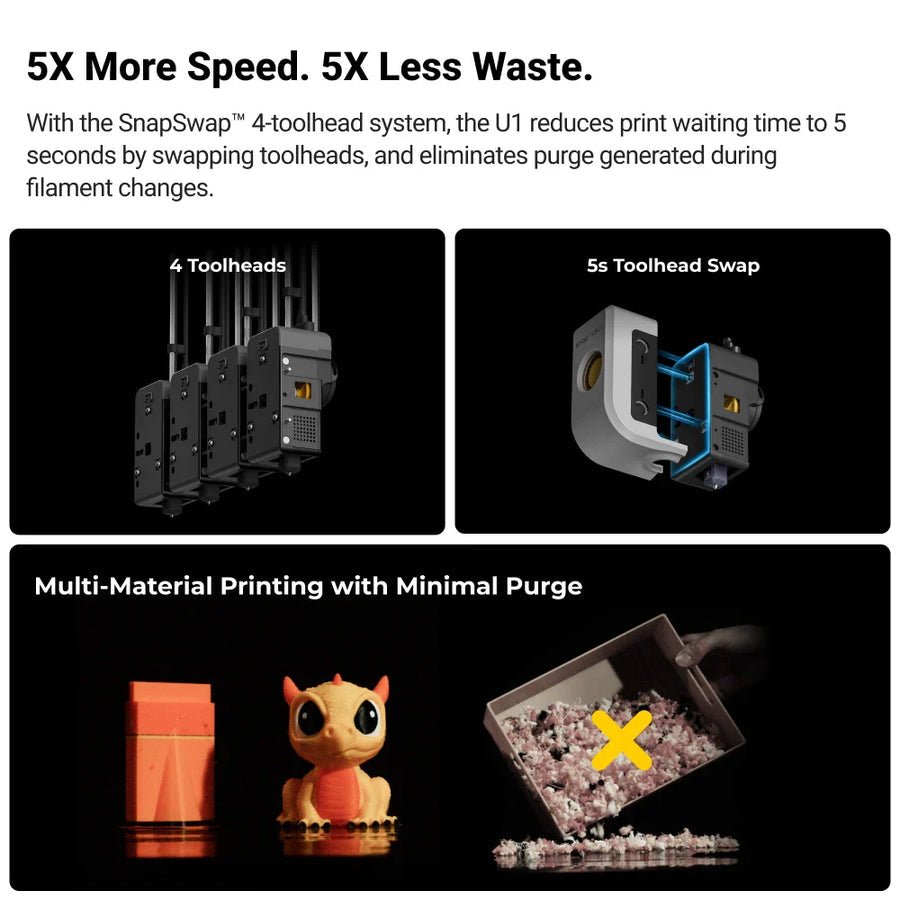
Rather than changing several filaments through a single nozzle, the U1 swaps the required toolhead during the print. Actual waste and printing time depend on the model, materials and settings; multiple toolheads do not mean zero waste or a fixed print time.
For orders in Saudi Arabia, review the listed version, package contents and availability before purchasing, especially if your project has a deadline.
Why choose it?
- Less filament waste: Multiple toolheads reduce purge waste.
- Four-color printing: Four toolheads powered by the SnapSwap system.
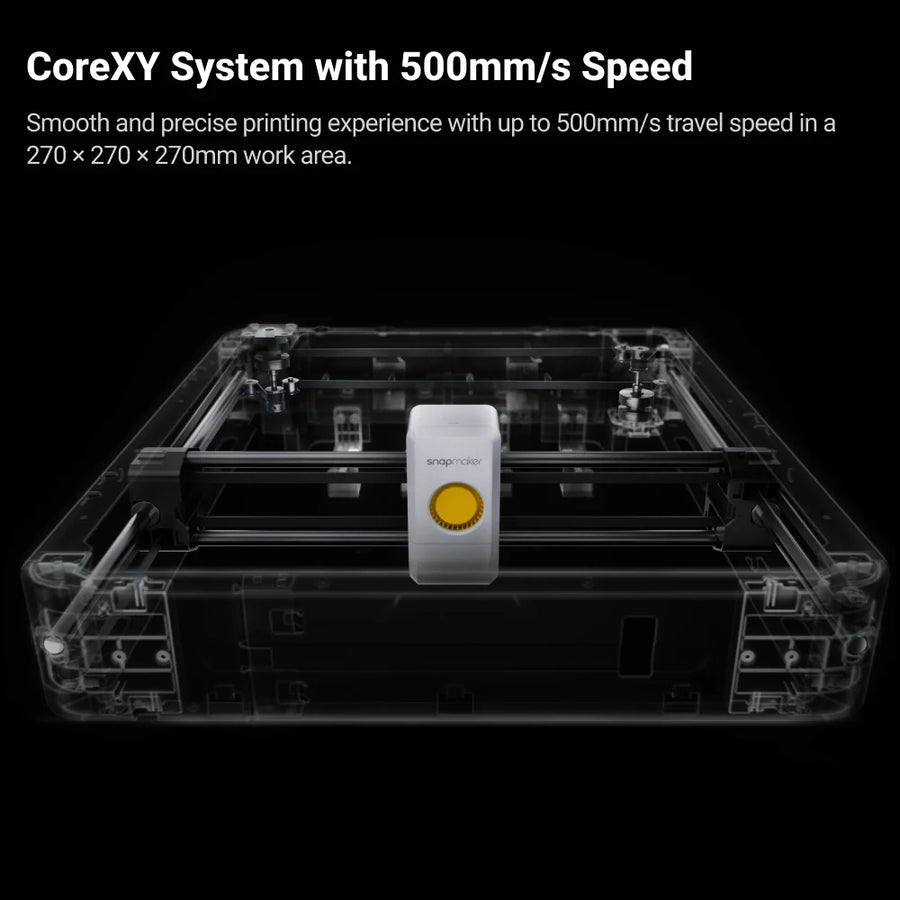
- CoreXY design: Stable, fast motion for professional results.
- Practical build volume: 270 × 270 × 270 mm.
- High speed: Up to 500 mm/s and 20,000 mm/s² acceleration.
Key specifications
- Hotend temperature: Up to 300°C
- Bed temperature: Up to 100°C
- Standard nozzle: 0.4 mm
- Materials: PLA, PETG, TPU, and similar materials with suitable settings
- Connectivity: Wi-Fi, USB, and the Snapmaker app depending on setup
Questions before buying the Snapmaker U1
Does it use one toolhead for all four colors?
No. SnapSwap changes between four toolheads. Check the required materials and their compatibility in the slicer alongside the design's color count.
Does the standard setup support ABS and ASA?
Snapmaker lists PLA, PETG and TPU among the basic materials. ABS, ASA and other materials require the optional top cover, while some reinforced materials also require a hardened steel nozzle. Check the selected version and package contents; optional accessories should not be assumed to be included.
How do I compare printers and start setup?
Use the first-printer buying guide to compare space, materials and package contents. The U1 setup guide in English at Tajseem Academy covers assembly and first-print preparation. See Snapmaker's official specifications for material and accessory requirements.
Related products and collections
Snapmaker U1
If you have any questions, contact us and we will reply as soon as possible during business days.
-
Shipping information
Reliable shipping with a clear delivery timeframe.
-
Customer support
We help you before and after your purchase.
-
Frequently asked questions
Clear answers about purchasing, shipping, and warranty coverage.
-
Contact us
Message us through any of our available contact channels.